
 ES
ES

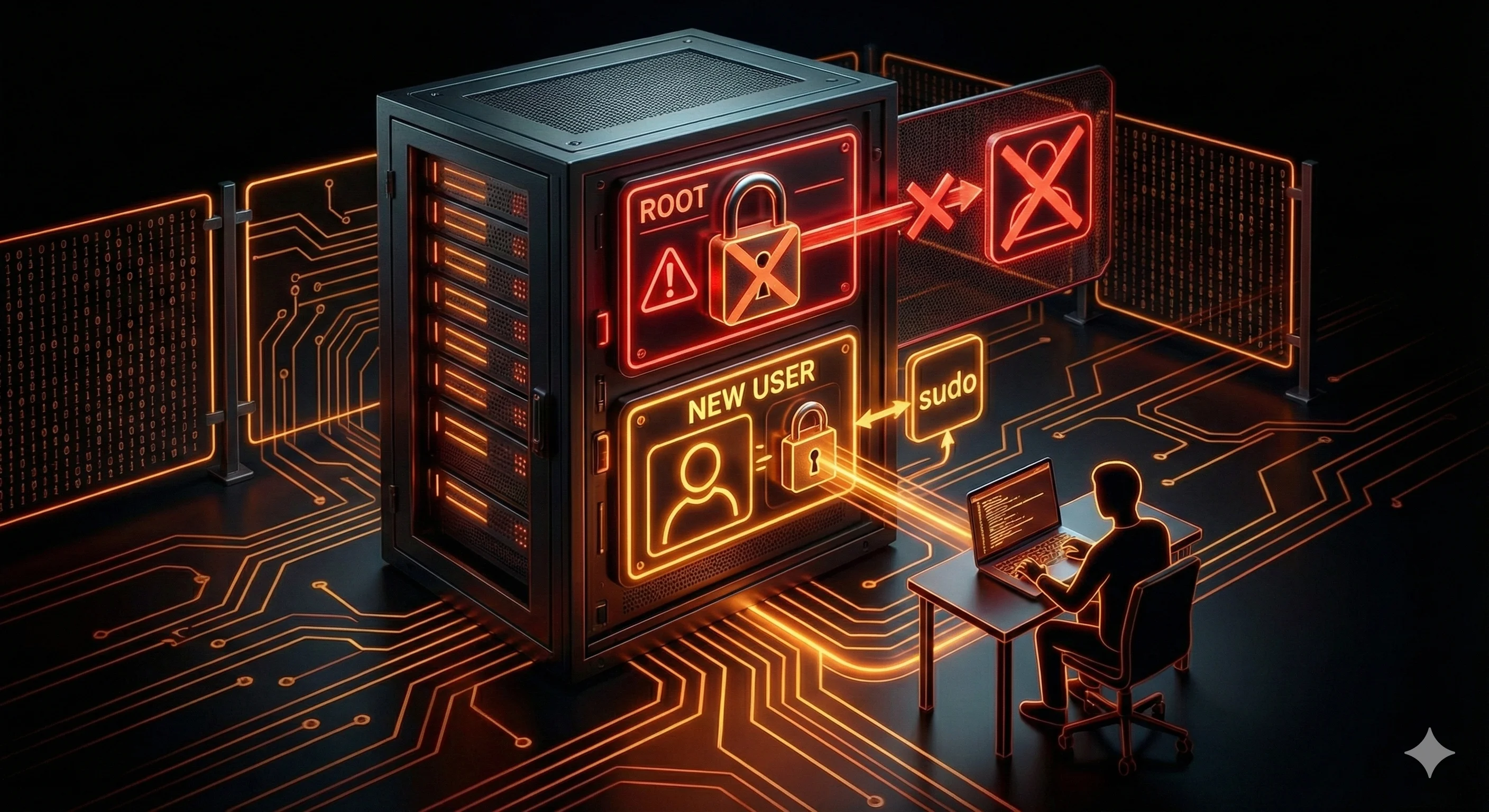
How to Create a User and Disable Root Login
When you first get access to a VPS, everything is set up to be as simple as possible: the server is ready, the login is root, the password or key is in the email. You connect via SSH, type a command, and the system does exactly what you tell it to do. No restrictions. No questions. Full control.
That’s exactly where the trap lies. Working as root feels convenient right up until something goes wrong. And sooner or later, something always goes wrong on a server — because of a mistake, inattention, haste, or automated attacks.
That’s why in any reasonable VPS setup, one of the very first steps is creating a separate user and stopping day-to-day work as root. This isn’t a formality or “admin paranoia.” It’s a basic security measure that closes several very real risks at once.
What root actually is
The root user isn’t just an “administrator.” It’s an account with absolute privileges in the system.
Root can:
-
delete any files and directories, including system ones;
-
stop and start any services;
-
change kernel and network configuration;
-
manage users and permissions;
-
completely break the server with a single command.
The system doesn’t question your intent. If the command is syntactically correct, it will be executed — even if it wipes half the system or overwrites critical files.
For an experienced administrator, this is a tool. For a beginner, it’s a potential point of catastrophe.
Why working as root is dangerous even without attacks
It’s easy to assume that root is only dangerous in the context of hacking. In reality, most problems happen without any attacker involved.
Typical scenarios look like this:
-
a typo in a command run in the wrong directory;
-
an incorrectly edited configuration file;
-
an automated script executed with a mistake;
-
deleting a “redundant” folder that turns out not to be redundant at all.
When you’re root, all of this happens instantly and without any way to undo it. As a regular user, many of these actions are either impossible or require an extra confirmation step.
Root as the primary target of automated attacks
Now let’s talk about security in the literal sense. Most attacks on VPS servers aren’t personal. They’re automated scanners and bots that sweep IP ranges and try to log in.
Their logic is very simple:
-
find an open SSH port;
-
try to log in as root;
-
brute-force the password or exploit a vulnerability.
Root is the first and main target because a successful login immediately grants full control over the server. If root login is allowed, the attacker doesn’t even need to look for ways to escalate privileges.
Why you need a separate user
Creating a separate user is a way to separate everyday work from critical operations.
A regular user:
-
doesn’t have access to system directories;
-
can’t change critical settings without an extra step;
-
can’t take down the entire server with a single mistake.
This doesn’t mean you lose control. It means control becomes deliberate instead of automatic.
How the separate-user setup works in practice
In a proper VPS configuration, the workflow looks like this:
-
root is used only for initial server setup;
-
a separate user is created for daily work;
-
all routine tasks are done as that user;
-
administrative commands are executed only when needed.
This means potentially dangerous actions always require an extra step — and therefore extra attention.
Why this actually improves security
Creating a separate user solves several practical problems at once.
First, it reduces the damage from mistakes. Even if you do something wrong, a regular user physically can’t break most of the system.
Second, it lowers the risk of compromise. If root login is disabled, an attacker first has to break into a regular user account and then escalate privileges. That’s harder and much more visible.
Third, access control becomes simpler. If several people work with the server, each can have their own account with appropriate permissions instead of sharing one root login.
Why “I’m the only one, so it’s fine” is a bad argument
A common justification for skipping this step is: “I’m the only one managing the server, why complicate things?” It sounds logical, but in practice it doesn’t hold up.
The reasons are simple:
-
mistakes don’t depend on how many people are involved;
-
automated attacks don’t know whether you’re alone or not;
-
habits and attitudes toward security stick for a long time.
What feels like an “extra step” today can save hours of recovery — or the entire server — tomorrow.
Creating a user: what really matters
Technically, creating a user on a VPS is simple. What matters is not the command itself, but how you work afterward. That directly affects both security and convenience.
The point isn’t to “remove root,” but to move everyday work into a safer context. The new user becomes your main working account, used to:
-
log into the server via SSH;
-
edit site files and configurations;
-
run services and applications;
-
perform routine operations.
Root doesn’t disappear — it just stops being the default mode.
Why this doesn’t work without sudo
A natural question comes up here: if a regular user is restricted, how do you perform administrative tasks?
The answer is sudo. It’s a mechanism that lets you run commands with elevated privileges temporarily, consciously, and only when needed.
The practical difference is huge:
-
as a regular user, you can’t accidentally break the system;
-
a sudo command clearly signals that something important is happening;
-
the system logs which actions were performed with elevated privileges.
sudo isn’t extra complexity — it’s a buffer between a mistake and a disaster.
Why disabling root login really matters
Many people stop after creating a user and leave root login enabled “just in case.” That’s better than nothing, but from a security standpoint it’s a half measure.
When root login is allowed:
-
automated attacks continue targeting it;
-
password brute-forcing runs nonstop;
-
attackers still have the shortest path to full control.
When root login is disabled:
-
attacks against root become pointless;
-
an attacker must first compromise a regular user;
-
then find a way to escalate privileges.
This significantly raises the barrier and filters out a huge amount of automated noise.
Why this isn’t as risky as it seems
Beginners often have a fear: what if I disable root login and then can’t access the server at all? The fear is understandable — and justified if things are done carelessly.
The correct sequence is always:
-
create a new user;
-
verify that you can log in as that user;
-
configure sudo;
-
only then disable root login.
If you follow this order, the risk of locking yourself out is practically zero.
How this affects everyday work
In practice, switching from root to a regular user feels natural very quickly.
What changes:
-
most commands are run exactly as before;
-
critical actions require sudo;
-
there’s a small pause before dangerous operations.
What doesn’t change:
-
access to site files;
-
the ability to manage services;
-
overall control of the server.
After a few days, it becomes hard to imagine how you ever worked as root all the time.
Common mistakes during initial user setup
Most issues don’t come from the idea itself, but from rushing and skipping steps.
The most common mistakes are:
-
disabling root login before testing the new user;
-
forgetting to grant sudo privileges;
-
continuing to log in as root “out of habit”;
-
using the same passwords for different accounts.
All of these are easy to avoid if you move step by step and don’t try to do everything at once.
Long-term benefits of this setup
Creating a separate user and avoiding root for daily work isn’t a one-time checkbox — it’s an investment in stability.
Over time, this leads to:
-
fewer critical mistakes caused by inattention;
-
lower risk from automated attacks;
-
a cleaner, more understandable access model;
-
more confidence during updates and changes.
This becomes especially noticeable on servers that live for a long time and gradually accumulate infrastructure.
Conclusion
Working as root is like driving without a seatbelt: fast, convenient, and fine — until the first serious incident. Creating a separate user and disabling root login is the seatbelt, the airbag, and common sense rolled into one.
It’s not advanced security and not a complex defense system. It’s a basic level of protection that should be in place on any VPS, regardless of its purpose.
If you’ve taken this step, your server is already in a safer state than a large portion of VPS systems on the internet — and, importantly, without sacrificing convenience or control.